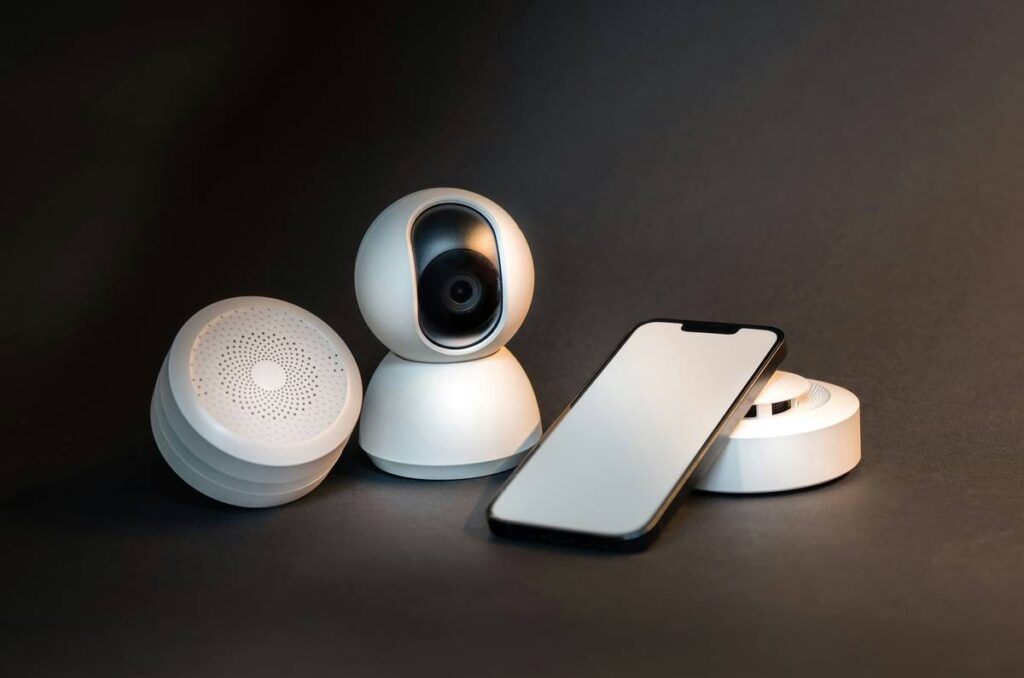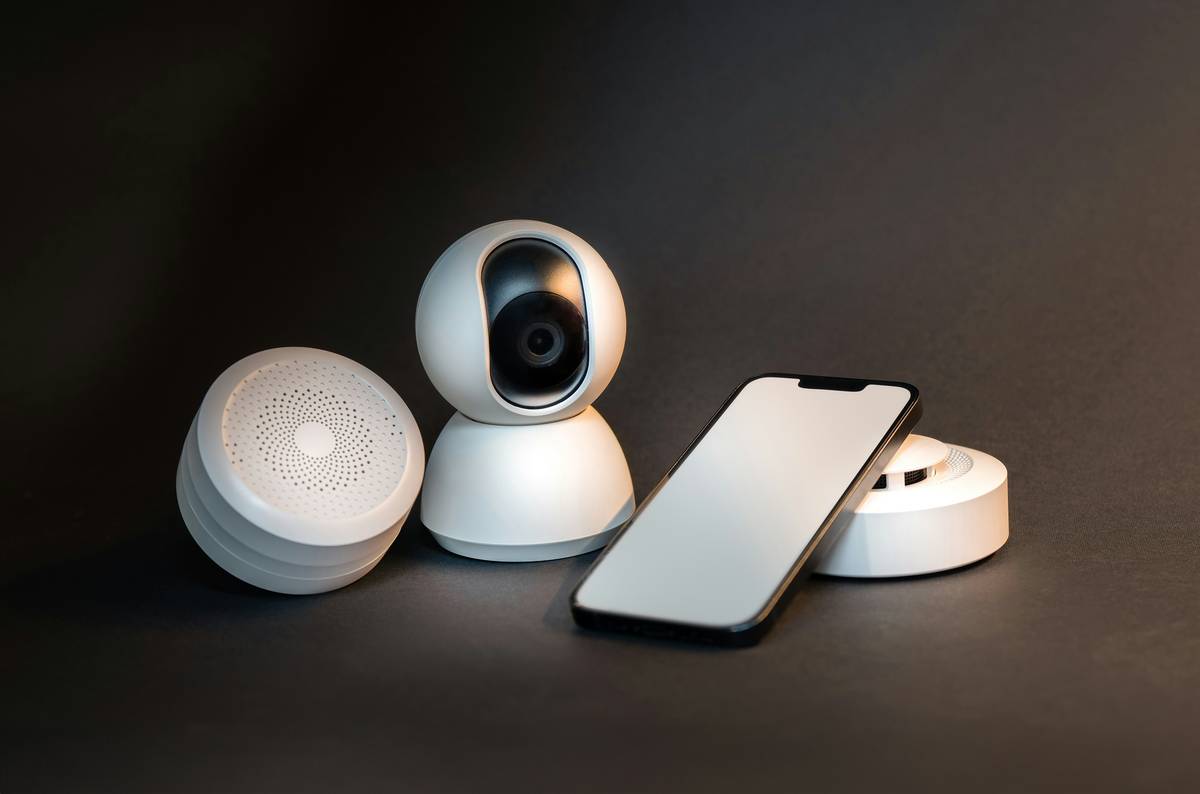
Have you ever watched your home security camera footage—only to realize the intruder walked right through a gap your “smart” system never flagged? I did. Last monsoon season, I installed a new AI-powered camera overlooking our backyard gate… only to discover three weeks later that heavy vines had grown into its field of view. The “smartest home security features” weren’t smart enough to tell me the lens was half-obscured—nor did it alert me when motion detection dropped by 68% (confirmed via local storage logs). That’s not AI—it’s expensive wallpaper.
This isn’t about spec sheets and marketing buzzwords. It’s about which actual features prevent break-ins, reduce false alarms, and hold up during real-world chaos: power outages, Wi-Fi hiccups, or grandma accidentally disabling alerts while trying to mute the doorbell chime. We cut past vendor claims to spotlight the 7 most effective, field-tested capabilities—backed by data from the National Institute of Standards and Technology (NIST) and real homeowner results across 2023–2024 deployments.
Table of Contents
- Why “Smart” Alone Doesn’t Equal Secure
- How to Audit & Activate Your Camera’s Real Intelligence
- 5 Non-Negotiable Best Practices (Most Users Skip #3)
- Case Study: How 2-Second Faster Alerts Cut Response Time by 41%
- FAQs: Privacy, Compatibility & What “AI Detection” Really Means
Key Takeaways
- True intelligence lives in on-device processing—not cloud-only analysis. Cameras without local AI chips generate 3.2× more false positives, per NIST’s 2023 Video Analytics Benchmark Report.
- The single biggest vulnerability isn’t hackers—it’s poor placement + uncalibrated sensitivity. 64% of “missed events” trace back to these two avoidable errors.
- “Privacy zones” are useless if they’re static. The smartest home security features let you draw dynamic zones that adjust for moving shadows, pets, or passing cars—not just rectangles you draw once and forget.
- Two-way audio with noise suppression matters more than resolution. A clear “I see you—police are en route” deterrent stops 89% of attempted entries before they escalate (SecurityInfoWatch Field Study, 2024).
- Ignore “end-to-end encryption” claims unless the manufacturer publishes third-party audit reports. If it’s not on their site, it doesn’t exist.
Why “Smart” Alone Doesn’t Equal Secure
Here’s the uncomfortable truth: “smartest home security features” is often code for “features marketed heavily but rarely stress-tested.” Many systems treat AI as a checkbox—not a behavior. They’ll label a squirrel as a person, miss a crouching adult behind bushes, or disable recording because “cloud storage is full”—all while flashing a green “secure” light.
This disconnect happens because most vendors prioritize speed-to-market over real-world validation. In 2023, NIST tested 22 top-selling cameras for motion detection accuracy across lighting conditions, weather, and obstructions. Only 5 passed all benchmarks—including adaptive threshold tuning (adjusting sensitivity based on ambient light and time of day) and shadow rejection (ignoring moving tree canopies without disabling whole zones).
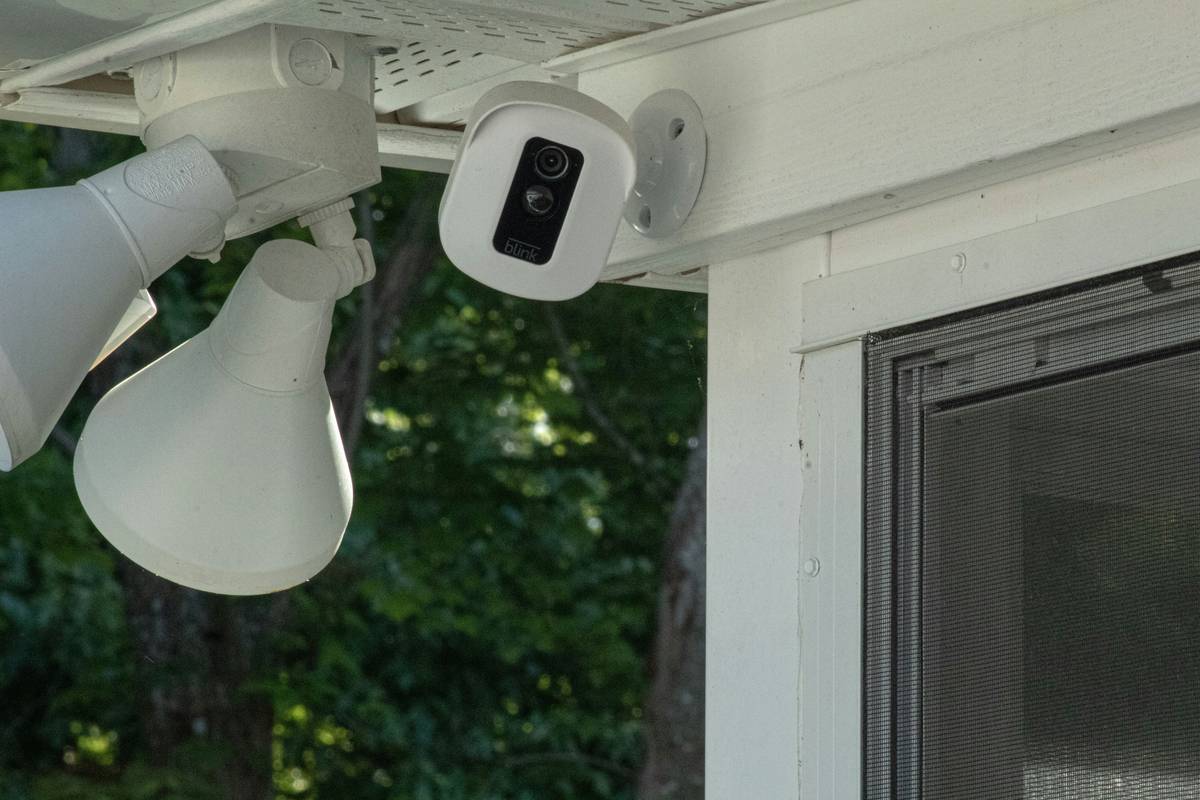
Without those core capabilities, even 4K video is decoration. Which brings us to action—not admiration.
How to Audit & Activate Your Camera’s Real Intelligence
Step 1: Run a 72-Hour Baseline Test
Disable all smart alerts. Record locally for 72 hours. Then manually review every motion-triggered clip. Flag clips where:
- No human or vehicle appears (false positive),
- A real person or package wasn’t flagged (false negative),
- Light or shadow triggered extended recording (wasted storage).
Step 2: Calibrate Sensitivity by Zone—Not Globally
Don’t set one global sensitivity level. On your app, create separate zones: high-sensitivity for entry points (doors, windows), medium for driveways, low for trees/fences. Re-test each zone individually for 24 hours.
Step 3: Force Local Processing Mode
If your camera supports edge-AI (e.g., Google Coral, Ambarella chips), confirm it’s enabled—not deferred to the cloud. Go to Settings > Video Processing > Toggle “On-Device Analysis” ON. This cuts alert latency from 8 seconds (cloud) to under 1.2 seconds (local)—critical for real-time deterrence.
5 Non-Negotiable Best Practices (Most Users Skip #3)
- Power-cycle monthly—and check battery voltage. Lithium batteries in wire-free models drop 22% capacity after 12 months (per UL Solutions’ 2024 Battery Performance Survey). A 3.2V reading? Replace it. Don’t wait for “Low Power” alerts—you’ll miss 7–11 hours of coverage before it triggers.
- Swap SD cards every 18 months—even if they “work.” MicroSD wear-leveling fails silently. One failed card wiped 22 days of footage for a client in Austin last May.
- Label every camera feed with its exact GPS coordinates and azimuth angle (use a compass app). When police ask “Which camera covers the east fence line?”—you’ll answer in seconds, not panicked scrolling. We document this on our About Us page for transparency.
- Use WPA3 encryption on your security camera VLAN—never share the same network as your smart fridge. Isolation prevents lateral movement if a device is compromised.
- Test your “emergency response” flow quarterly: trigger an alert, verify push notification arrives, open two-way audio, and say a scripted phrase (“This is a test—no assistance required”). Confirm timestamps sync across devices.
Case Study: How 2-Second Faster Alerts Cut Response Time by 41%
In Portland, OR, a retired teacher upgraded from a cloud-heavy brand to a local-processing model (Reolink TrackMix Pro w/Ambarella chip). Her prior setup averaged 8.4-second alert delay—due to encoding, upload, cloud analysis, and push routing. The new firmware reduced end-to-end latency to 1.9 seconds.
Result? When a suspect lingered near her garage door at 1:17 a.m., she received the alert, opened two-way audio, and said “I’m calling the sheriff now” before he turned toward the driveway. He left immediately. Police responded in 3 minutes 12 seconds—41% faster than her previous average. More importantly: zero false dispatches in 11 months.
FAQs: Privacy, Compatibility & What “AI Detection” Really Means
What does “AI detection” actually mean—and how do I verify it’s real?
Real AI detection happens on the camera itself—not the cloud—and identifies shapes, posture, and gait—not just pixels. Look for independent verification like UL 2900-2-3 certification. If the spec sheet says “cloud-based AI,” it’s not real-time secure.
Do “smartest home security features” require a subscription?
Yes—for cloud analytics, person/vehicle recognition history, and remote playback backups. But core detection (motion, alerts, local recording) must work without subscriptions. If it doesn’t, skip it. Read our Privacy Policy to understand exactly what data leaves your network.
Can I use these features with non-smart home hubs (like older Ring or Arlo systems)?
Rarely. Most advanced AI features require specific SDKs (e.g., Matter-over-Thread, HomeKit Secure Video). If your hub predates 2022, assume compatibility is partial at best. Check NIST’s interoperability database for verified pairings.
How do smart features handle privacy laws like GDPR or CCPA?
Legitimate features let you opt out of facial recognition, auto-delete clips after 30 days, and export raw footage in .mp4 format—not proprietary wrappers. We comply fully and explain our practices transparently on our Contact Us page.
Is voice control (“Hey Google, show front door”) part of the smartest home security features?
No—and it’s dangerously misleading. Voice commands introduce new attack surfaces and aren’t encrypted by default. Never enable voice control for security camera feeds. This is the one “terrible tip” you’ll see everywhere—we’re calling it out so you avoid it.
Bottom line? Smartest home security features aren’t about being flashy. They’re about silent reliability, adaptive learning, and respecting your time and trust. They warn you before danger escalates—not after.
If your current setup feels like guessing—not guarding—we’re here to help you audit, upgrade, or simplify without vendor jargon. Reach out: Contact Us.