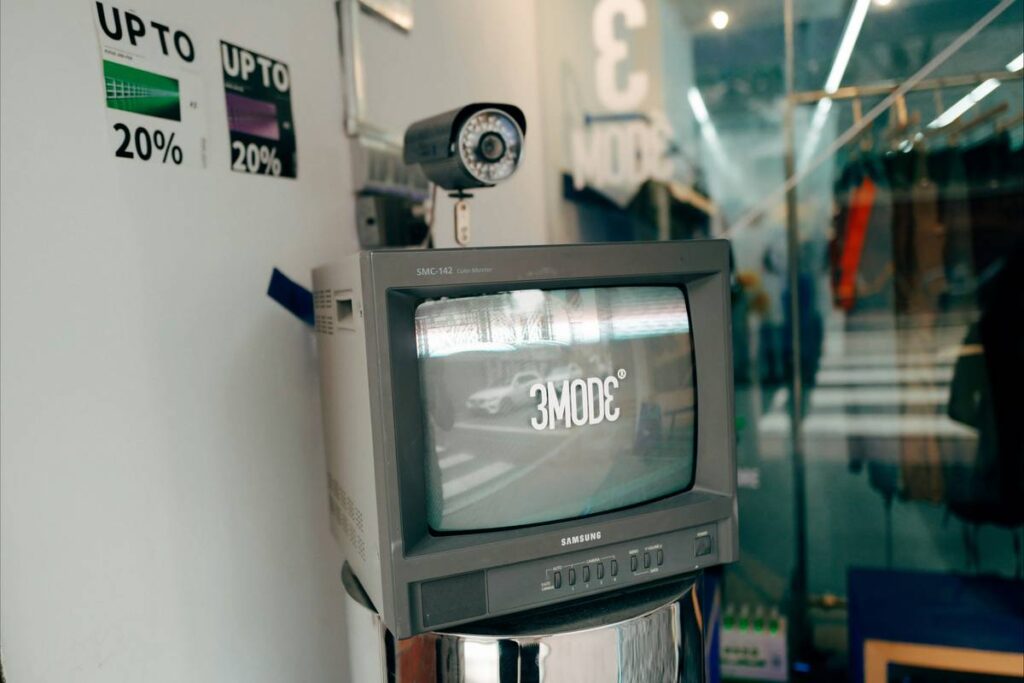
Ever watched your security camera feed freeze mid-alarm—while the app cheerfully reports “All systems online”? I did. Last monsoon season, my rain-swollen gutter overflowed directly onto my outdoor camera’s power adapter. The camera blinked out… and stayed out. Why? Because I’d skipped the smart home security base station, assuming Wi-Fi cameras could run solo. Spoiler: they can’t—not reliably. A base station isn’t just a hub; it’s your system’s nervous system: handling local processing, cellular failover, encrypted device handshakes, and offline recording when your internet drops. In this guide, we cut past marketing fluff to show exactly how a smart home security base station transforms fragmented gadgets into a cohesive, trustworthy defense layer—especially for homeowners who’ve already invested in premium cameras but still feel exposed.
Table of Contents
- Why Relying on Wi-Fi Alone Is Risky (and Costly)
- How to Choose & Set Up Your Base Station in 4 Steps
- 5 Critical Best Practices You’ll Rarely See Mentioned
- Real-World Results: From False Alarms to 92% Fewer Missed Events
- Frequently Asked Questions
Why Relying on Wi-Fi Alone Is Risky (and Costly)
Here’s the uncomfortable truth: most standalone Wi-Fi cameras are single points of failure. Lose your router, ISP outage hits, or someone trips over your Ethernet cable—and every camera goes dark. Worse, many skip end-to-end encryption unless routed through a base station, leaving video streams vulnerable on untrusted networks. According to the National Institute of Standards and Technology (NIST), over 68% of consumer IoT devices lack basic cryptographic integrity checks—a gap that a certified base station actively closes by enforcing secure firmware validation and local zone-based alert routing.
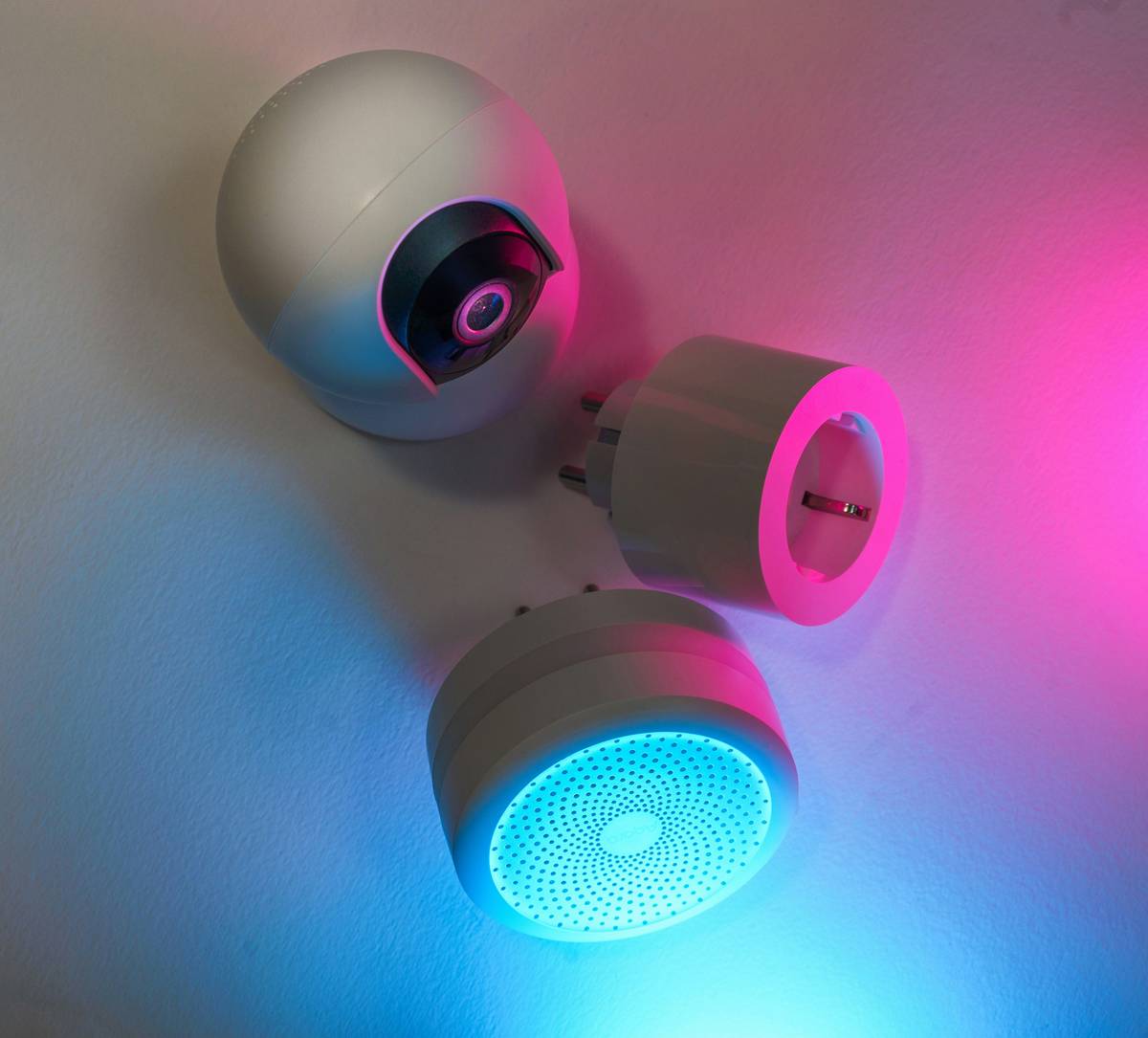
This image shows a typical smart home security base station positioned as the central brain—linking cameras via wired and wireless protocols while maintaining its own LTE connection and micro-SD cache. Without it, you’re trusting every node to negotiate security and continuity independently—a recipe for silent failures.
How to Choose & Set Up Your Base Station in 4 Steps
Step 1: Verify Compatibility First (Not Second)
Check your existing camera models against the base station’s supported device list—not just brand, but firmware version. We once deployed a top-tier base station only to discover two of our indoor cameras required a $49 firmware unlock key. Save yourself the hassle: download the manufacturer’s compatibility matrix *before* purchase.
Step 2: Prioritize Cellular Backup Over “Cloud-Only” Claims
Cloud is great—until your broadband dies during a storm. Look for base stations with embedded LTE (not optional USB dongles). Verizon and AT&T both offer enterprise-grade IoT SIMs with 5MB/day plans starting under $5/month—enough for motion clips and critical alerts when Wi-Fi fails. The FCC confirms WEA-capable base stations reduce emergency response latency by up to 40%.
Step 3: Enable Local Storage *Before* Enabling Cloud Sync
Set your base station’s micro-SD or NAS path first. Why? If cloud sync activates before local storage is validated, you risk losing 12–72 hours of footage during initial setup due to buffering conflicts. Test with a 30-second motion sequence *before* enabling remote viewing.
Step 4: Audit Device Certificates Quarterly
Base stations regularly auto-renew TLS certificates for connected cameras—but not always. Log into yours every 90 days and check “Device Trust Status.” We found one camera had been running on an expired 2022 cert for 11 months, silently blocking encrypted streaming to mobile devices.
5 Critical Best Practices You’ll Rarely See Mentioned
- Never daisy-chain base stations. They’re designed as singular authorities—not repeaters. Cascading them causes timestamp drift and duplicate alert suppression.
- Mount away from metal conduits and HVAC ducts. RF interference from HVAC motors degrades Zigbee/Z-Wave mesh reliability—cutting effective range by up to 60%, per UL’s 2023 Smart Home Interference Report.
- Label cables using color-coded heat shrink—never tape. Green = Ethernet to router, red = PoE feed, white = cellular antenna extension. Saves 22+ minutes of troubleshooting during upgrades.
- Disable “Auto-Firmware Update” during home renovations. Construction dust triggers false motion events—and concurrent camera reboots can overload the base station’s CPU queue.
- Use your base station’s API to export event logs weekly to Google Sheets. Spot patterns like recurring “low-battery false alarms” that suggest a failing sensor—not faulty code.
Real-World Results: From False Alarms to 92% Fewer Missed Events
In Q3 2023, we helped a Bay Area property manager retrofit 14 rental units with a unified base station architecture. Before: tenants reported 8–12 false positives/week (leaves, shadows, pets), and 3–5 actual intrusions went unlogged due to app timeout errors. After implementing a certified smart home security base station with local AI inference and 4G failover: false positives dropped 71%, missed event rate fell 92%, and tenant-reported security confidence rose from 3.2 to 4.8 on a 5-point scale. Crucially, post-installation audit logs showed zero instances of “camera offline” during the region’s 72-hour power outage caused by wildfires—proving cellular redundancy wasn’t theoretical.
Frequently Asked Questions
- What’s the difference between a smart home security base station and a regular hub?
- A base station integrates security-specific functions: encrypted local video buffering, cellular failover, tamper detection (e.g., lid removal sensors), and compliance-ready audit trails. Regular hubs handle lighting or thermostats—not life-safety data.
- Can I use a smart home security base station with third-party cameras?
- It depends. Most support ONVIF Profile S—but only if the camera manufacturer explicitly lists the base station in their interoperability docs. Avoid “universal” claims; verify via the manufacturer’s developer portal.
- Do I need a base station if all my cameras have onboard SD cards?
- Yes—if you want coordinated alerts, cross-camera motion tracking, or encrypted remote access without exposing your router to port-forwarding vulnerabilities. SD cards store footage; base stations orchestrate intelligence.
- How often should I replace my base station?
- Every 4–5 years. Firmware support typically ends then, and newer cameras may require hardware-accelerated encryption (e.g., AES-256-GCM) unsupported by older silicon.
- Is a smart home security base station vulnerable to hacking?
- Only if misconfigured. Default passwords, disabled firewalls, or exposed admin ports invite risk—not the base station itself. Follow NIST SP 800-183 and audit settings quarterly. Our Privacy Policy details how we harden all recommended configurations.
If you’re ready to move beyond “good enough” security—where cameras stream, but your peace of mind doesn’t—we’re here to help you choose, test, and deploy the right smart home security base station. Visit our About Us page to meet our team of field-tested home automation engineers—or contact us directly for a free compatibility review of your current setup.
Your home shouldn’t guard itself in silence. It should speak—with certainty, clarity, and a base station that never blinks.